I tested various Python libraries to boost the aickyway backend performance. Here are 6 that actually made a noticeable difference.
First, Terminology in 30 Seconds
- DataFrame: A format for handling data in rows and columns, like an Excel spreadsheet.
- Lazy Execution: Instead of computing immediately, it optimizes and executes everything at once at the final moment.
- Zero-Copy: A method that reduces overhead by referencing the same buffer without memory copying.
- JIT (Just-in-Time) Compilation: A technique that converts code to machine language right before execution to increase speed.
- SIMD: CPU instructions that perform parallel operations on multiple data at once (vector operations).
- Serialization/Deserialization: The process of converting objects to bytes (serialization) and back again (deserialization).
- PyO3: A toolkit for creating Python extensions in Rust.
- Blosc: A super-fast compressor specialized for binary data like NumPy arrays.
- Awkward Array: An array library that excels at handling irregular (non-uniform) nested data.

1) Polars — The DataFrame That Eats Pandas for Breakfast
Built in Rust. Runs like C++, feels like Pandas API. When Pandas struggles with multi-GB CSV files, Polars just smiles. Its core design is 'performance-first,' so it handles large datasets smoothly.
import polars as pl

df = pl.read_csv("big_data.csv")
filtered = df.filter(pl.col("views") > 1000)
print(filtered.head())
Why Is It Fast?
- Lazy Execution: Collects queries, optimizes them, then executes all at once.
- Built-in Multithreading: Users don't need to write thread code.
- Zero-Copy Oriented: Minimizes unnecessary copying.
When to Use? Analytics/ETL pipelines, processing GB to tens of GB DataFrames, fast filters/groupbys/joins.

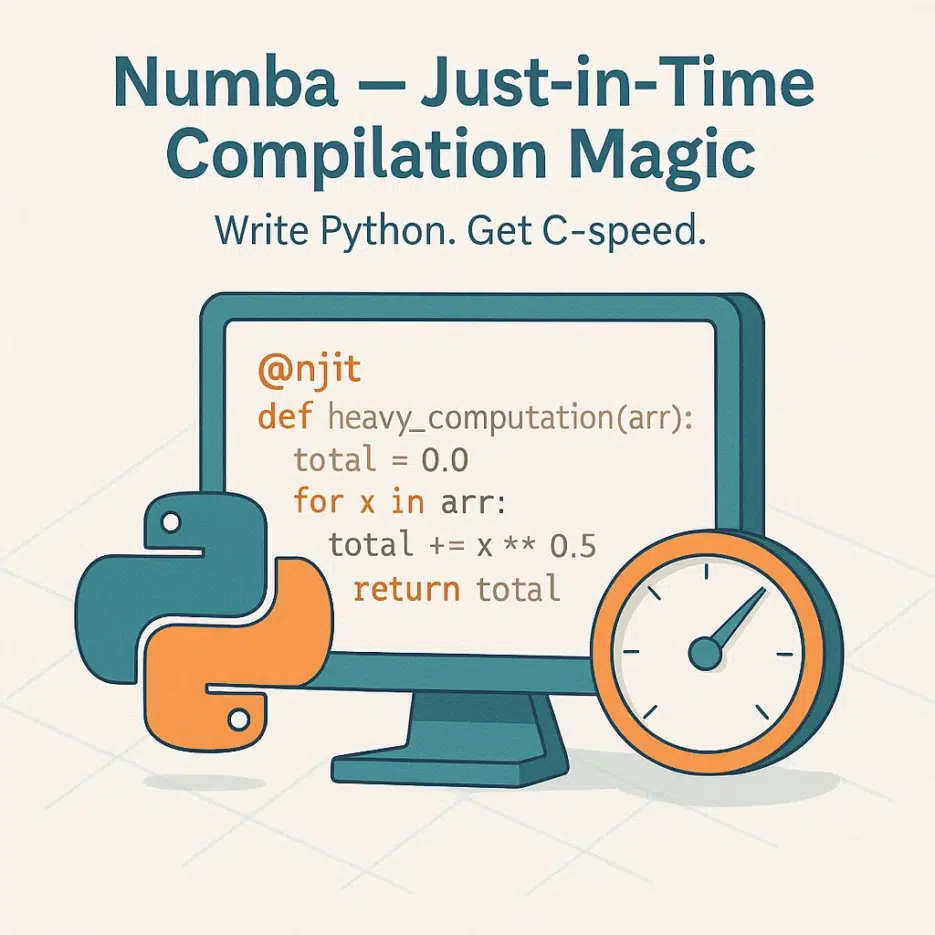
2) Numba — C-Level Speed with One Decorator
Write in Python, run at C speed. No setup hell.
Just add @njit to loop-heavy code. 10-100x speedups are not uncommon.
from numba import njit

@njit
def heavy_computation(arr):
    total = 0.0
    for x in arr:
        total += x ** 0.5
    return total
Key Points
- LLVM-based JIT: Translates to machine code just before execution.
- NumPy Friendly: Optimized for array operations.
- Less Worry About Loop Vectorization/Unrolling: JIT handles most of it.
Tip: Mixing Python objects can slow things down. Keep array dtypes clean for the best performance.
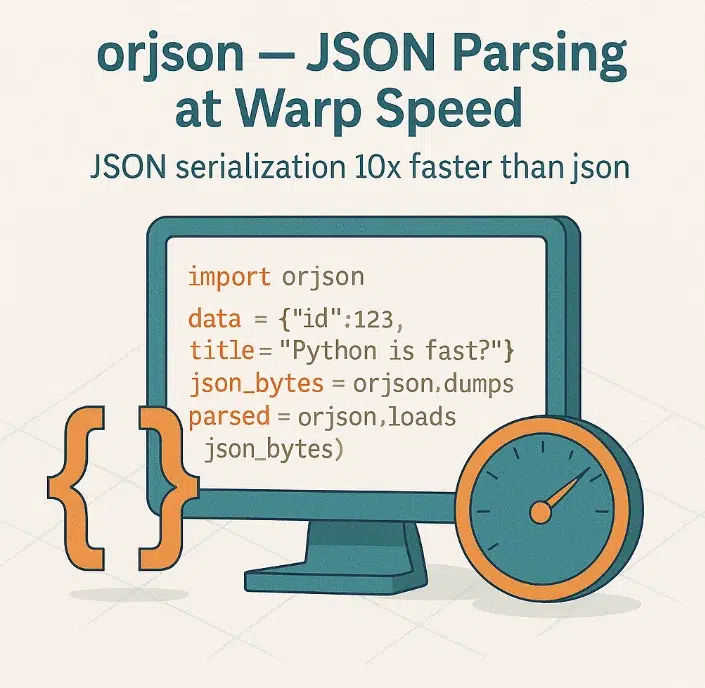
3) orjson — Warp-Speed JSON Serialization/Deserialization
Up to 10x faster than standard json, often nearly 2x faster than ujson.
Written in Rust, it actively leverages SIMD, pre-allocated memory, and zero-copy tricks.
import orjson

data = {"id": 123, "title": "Python is fast?"}
json_bytes = orjson.dumps(data)
parsed = orjson.loads(json_bytes)
Why Is It Good?
- Native datetime/NumPy support
- UTF-8 byte output (great for direct transmission/storage)
- Noticeable gains with large JSON
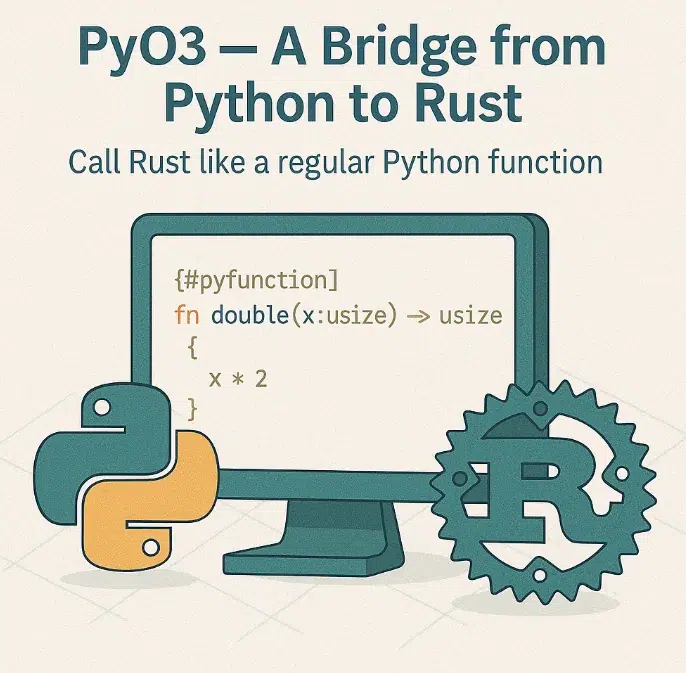
4) PyO3 + Rust — Write Bottlenecks in Rust, Call Like Python
Write core bottlenecks in Rust, then just import from Python. Threads, memory management, performance... instant access to system-level power.
// Rust (lib.rs)
use pyo3::prelude::*;

#[pyfunction]
fn double(x: usize) -> usize { x * 2 }

#[pymodule]
fn fastlib(m: &Bound<'_, PyModule>) -> PyResult<()> {
    m.add_function(wrap_pyfunction!(double, m)?)?;
    Ok(())
}
# Python
from fastlib  double
(double())
Real-world: Many reports of 10-100x speed improvements by replacing regex-heavy parser sections with PyO3.
5) Blosc — Compression/Decompression Faster Than Disk, Totally Legit
Compressing and decompressing can often be faster than reading uncompressed data. It really shines with binary arrays like NumPy.
import blosc
import numpy as np

arr = np.random.rand(1_000_000).astype('float64')
compressed = blosc.compress(arr.tobytes(), typesize=8)
decompressed = np.frombuffer(blosc.decompress(compressed), dtype='float64')
Why Does It Matter?
- SIMD + Multithreading makes compression itself very fast
- Huge impact on I/O-bound work: compress→save→decompress actually reduces total latency
- Especially useful for inter-service array transfer

6) Awkward Array — The Solution for Irregular Nested Data
Dictionaries inside lists, lists inside those... specialized for data that doesn't fit into 2D tables. Instead of forcing flattening with Pandas, handle it natively with Awkward for speed and cleanliness.
import awkward as ak

data = ak.Array([
    {"id": 1, "tags": ["python", "fast"]},
    {"id": 2, "tags": ["performance"]},
])

print(data["tags"].count())
Features