


Sign Up in Just 3 Seconds - GitHub, Google, Twitter Social Login Supported
It only takes 3 seconds. Let's go!
1. Click the Sign Up button.

2. Click one of GitHub | Google | Twitter.
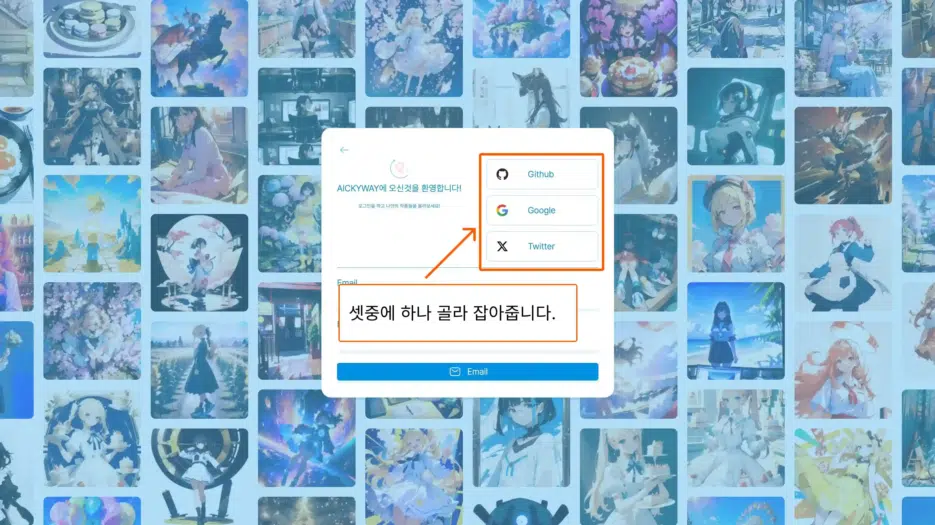
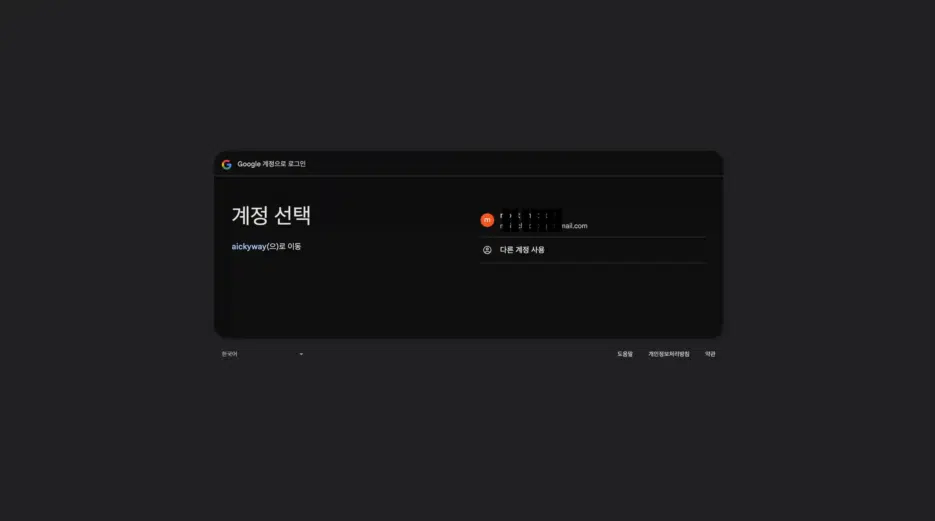
3. Select the account to sign up with. (Google's security is applied, so click with confidence!)
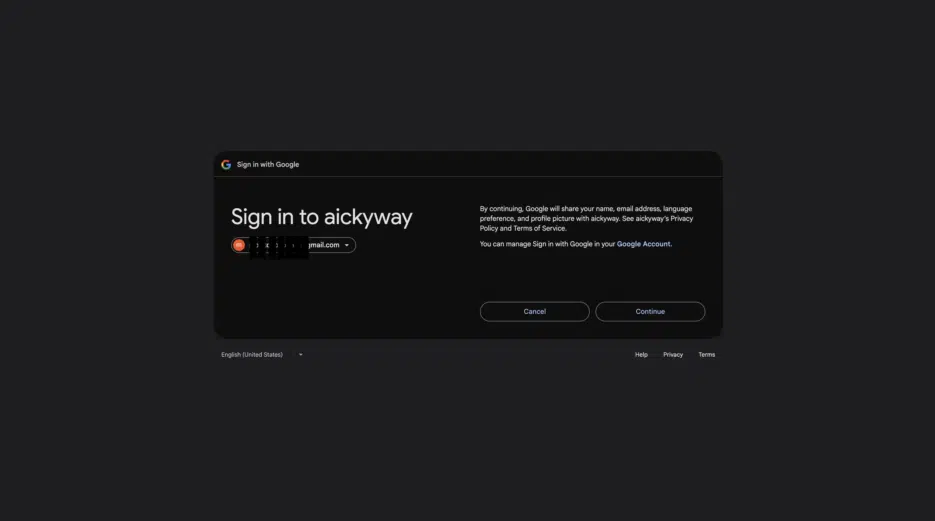
4. Click Continue. (Google's security is applied, so click with confidence!)
5. Click Like Complete.

6. Click Follow Complete.

7. Sign Up Complete!

Our sign-up method uses OAuth.
OAuth-based sign-up is generally considered a secure method. Let me briefly explain the key security concepts.
- It's safe because you don't give your original account password (Google, Naver, etc.) directly to the new website.
- After login, only the minimum information you consent to is passed to the new website.
- It's a standard and secure method, but be careful of phishing and managing the security of your linked original account is important.


