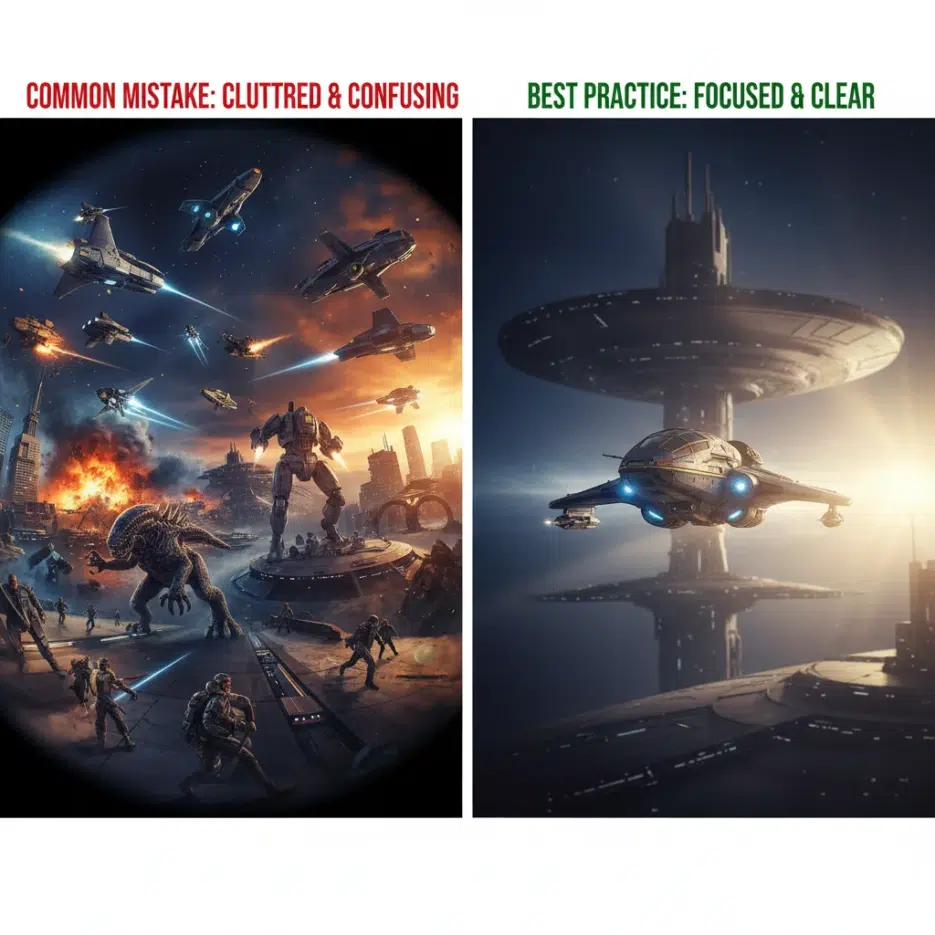
Many of you probably love the SF genre, right? I also really love space, cyberpunk, dystopia, and things like that. But when I tried to draw them myself, the background details were so complex that I couldn't even dare to attempt it. The interior structure of a spaceship? A futuristic city skyline? It would take days to draw by hand.
When I started using AI image generation tools, I thought, "Ah, this is truly a blessing for SF fans." Because you can see scenes that only existed in your mind within minutes.
After reading Dira's article, I've organized a systematic method for creating SF AI art.
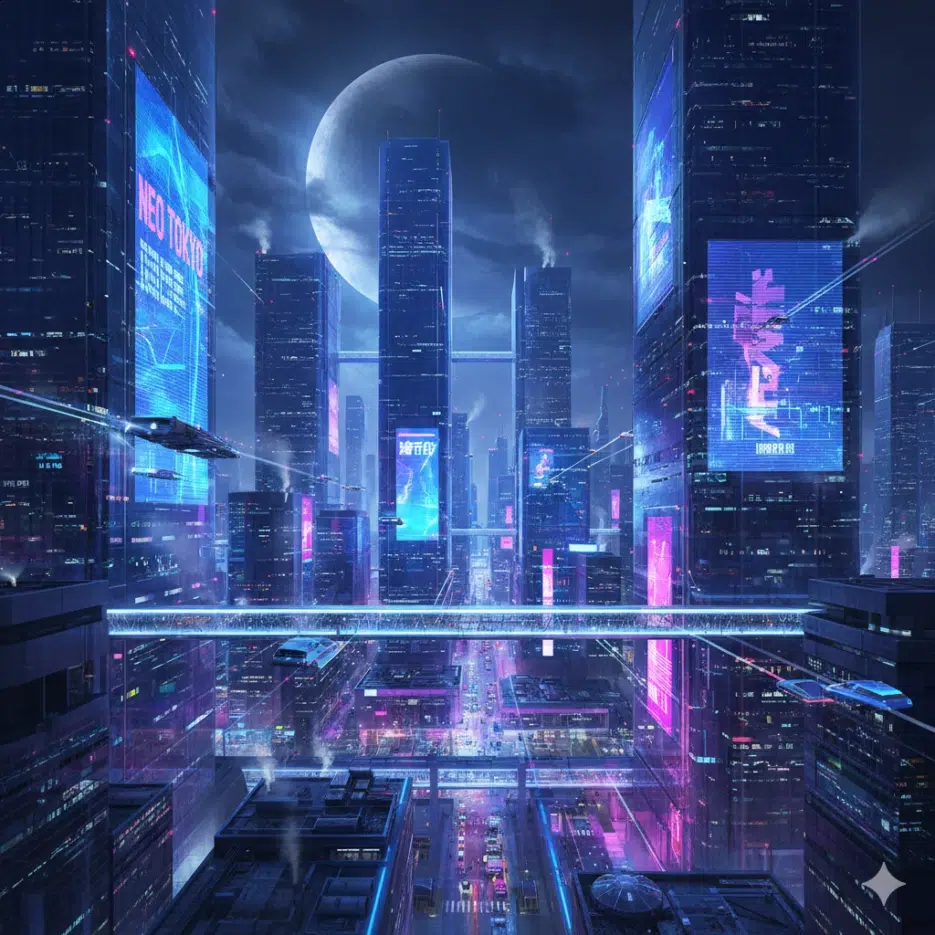
Why SF AI Art is Special
SF art is a bit different from just "pretty pictures."
It visualizes imagination. It makes abstract concepts like time travel, alien civilizations, and AI utopias visible to the eye.
It contains stories. A single image can show a post-apocalyptic planet, a distant galaxy, or the beginning of a new era. You can feel the worldview from just one background.
It asks "What if?" What if Mars colonization happens? What if robots gain consciousness? These questions are the core of SF.
I especially enjoy creating while imagining "Who lives in this world?" It becomes an image with a story, not just a pretty background.
Step 1: Choose Your Theme
SF has a wide range, so you need to set a direction first.
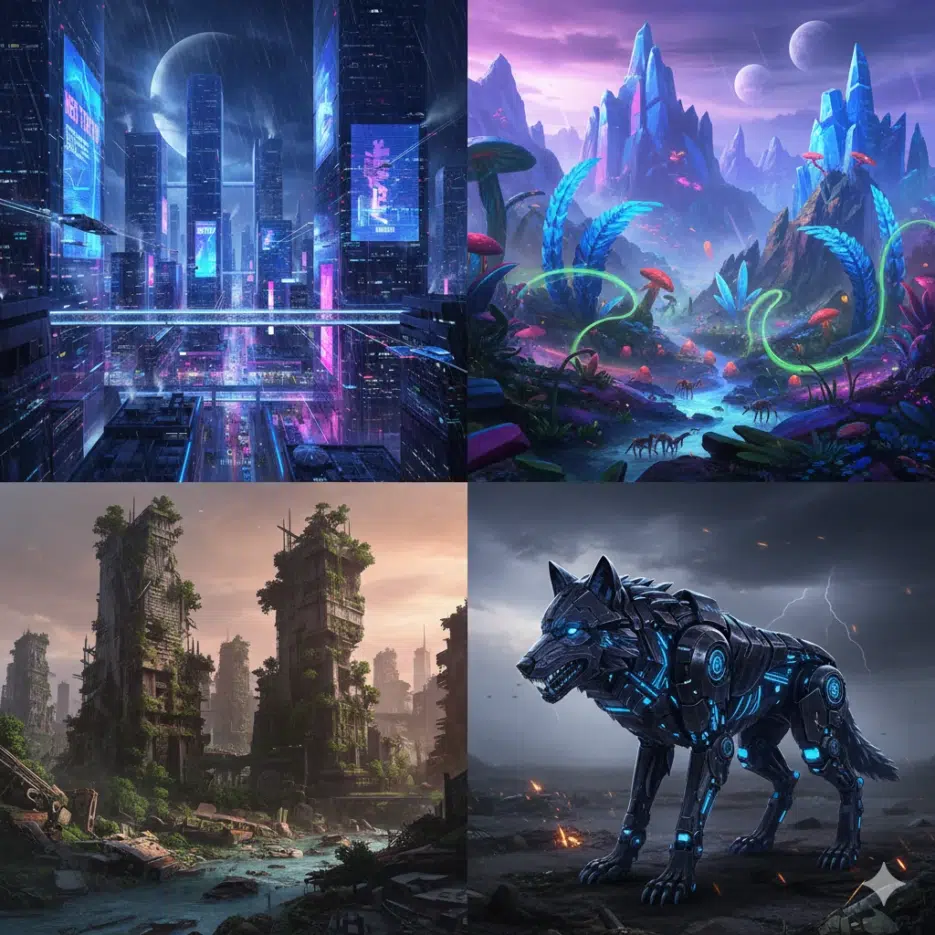
Future City
Streets full of neon lights, skyscrapers made of glass and light, floating cars. The essence of cyberpunk.
Prompt example:
Futuristic cyberpunk city street at night,
neon signs in Japanese and Korean, rain-slicked pavement reflecting lights,
flying vehicles overhead, crowded with diverse humans and androids,
Blade Runner atmosphere --ar 16:9
Alien World
Strange landscapes, glowing plants, massive alien structures. Things you can't see on Earth.
Prompt example:
Surreal alien planet landscape, crystalline mountains glowing purple,
bioluminescent flora, massive ringed planet in sky,
strange six-legged creatures in distance,
otherworldly atmosphere, concept art style --ar 16:9
Post-Apocalyptic
Remnants of civilization, cities consumed by nature, survivors among ruins.
Prompt example:
Abandoned metropolis reclaimed by nature,
towering ruins covered in vines and moss,
robotic animals wandering through morning mist,
overgrown skyscrapers, post-apocalyptic atmosphere --ar 16:9
Cybernetic Creatures
Fusion of organic and mechanical. Glowing eyes, complex mechanical patterns.
Prompt example:
Cybernetic wolf, fusion of organic fur and chrome metal parts,
glowing blue circuit patterns on body,
mechanical spine visible, red laser eyes,
standing in neon-lit alley, detailed sci-fi creature design --ar 1:1
Step 2: Add Details
With just a theme, it's bland. Details bring the world to life.
Environmental Elements
- Patrolling drones
- Holographic billboards
- Alien skies with multiple moons
- Glowing runes or alien characters
Textures
- Metal surfaces (chrome, metallic, brushed steel)
- Holographic (holographic, iridescent)
- Bio-organic patterns (bio-organic, living metal)
- Aged and rusty feel (weathered, rusty, worn)
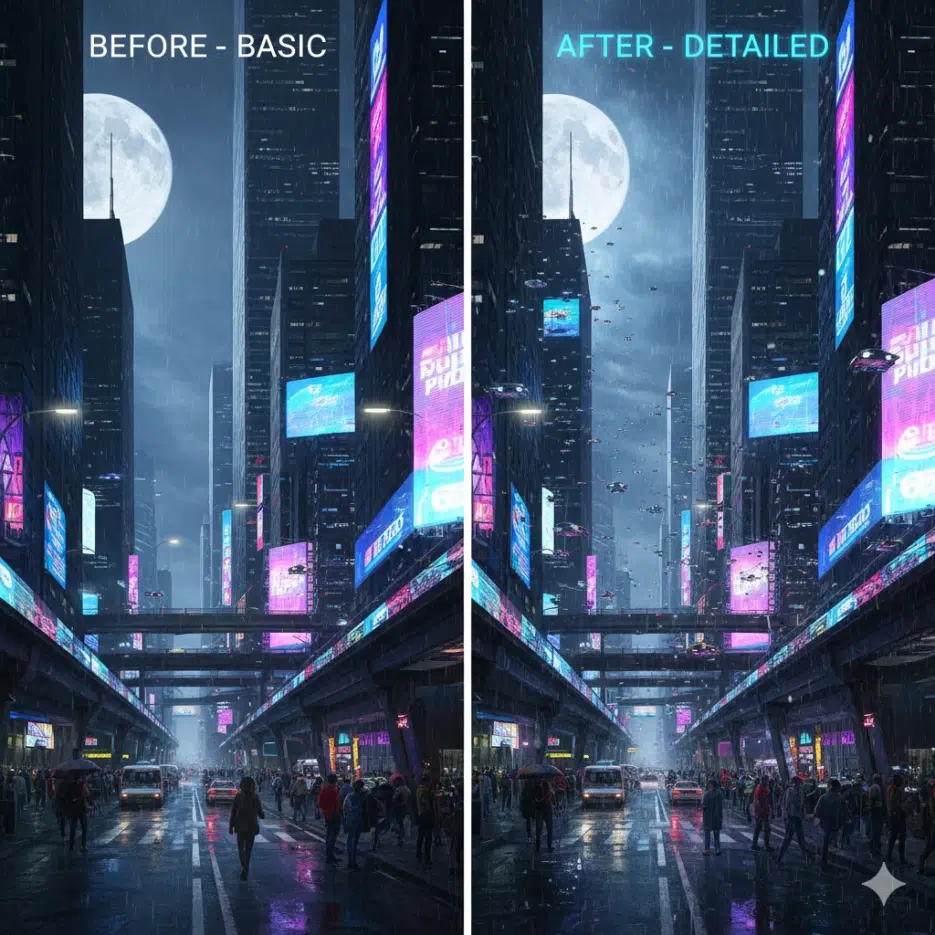
At first, I only put in the theme and wondered "Why is it so bland?" But when I added a few environmental elements and texture keywords, it changed dramatically. Just adding something like "patrolling drones in background" gives a sense of a living world.
Step 3: Utilize Lighting
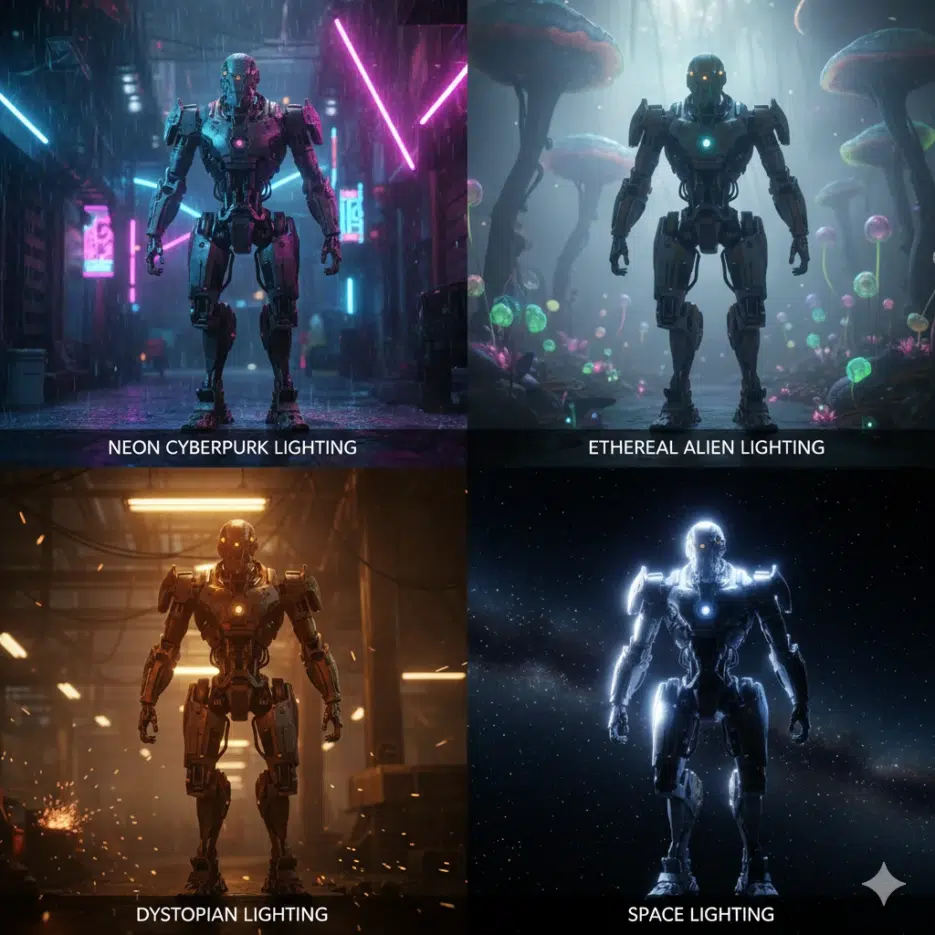
In SF, lighting is half the atmosphere.
Cyberpunk Feel
neon lighting, pink and blue neon glow,
rain reflections, wet surfaces catching light
Mysterious Alien Feel
ethereal soft lighting, bioluminescence,
glowing flora, ambient otherworldly light
Dystopian/Desolate Feel
harsh industrial lighting, smoke and haze,
dramatic shadows, orange hazard lights
Space Feel
starlight, nebula glow,
rim lighting from distant sun,
deep space darkness with bright accents
Tip: When using neon lighting, adding "reflections on wet surface" together doubles the cyberpunk feel. Even if it's not a rainy scene, adding "rain-slicked" creates beautiful reflections.
Practical Prompt Examples
Space Station Interior
Interior of massive space station observation deck,
huge curved window showing Earth below,
astronaut in sleek white suit looking out,
holographic displays floating, clean futuristic design,
soft ambient lighting, cinematic composition --ar 16:9
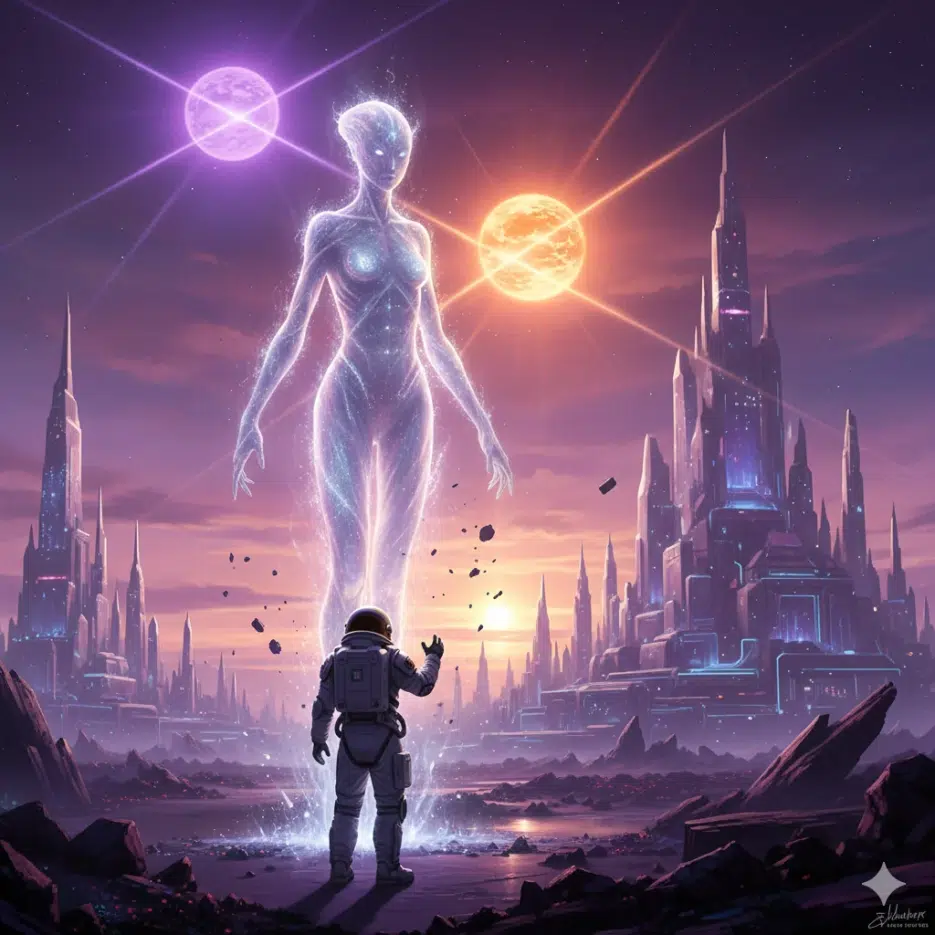
Alien Lifeform Encounter
First contact scene on alien planet,
human explorer in space suit facing tall luminous being,
strange architecture in background,
two suns setting, purple and orange sky,
sense of wonder and unknown,
epic sci-fi moment --ar 2:3
Mixing Genres
You don't have to stick with just SF. Mixing with other genres makes it more unique.
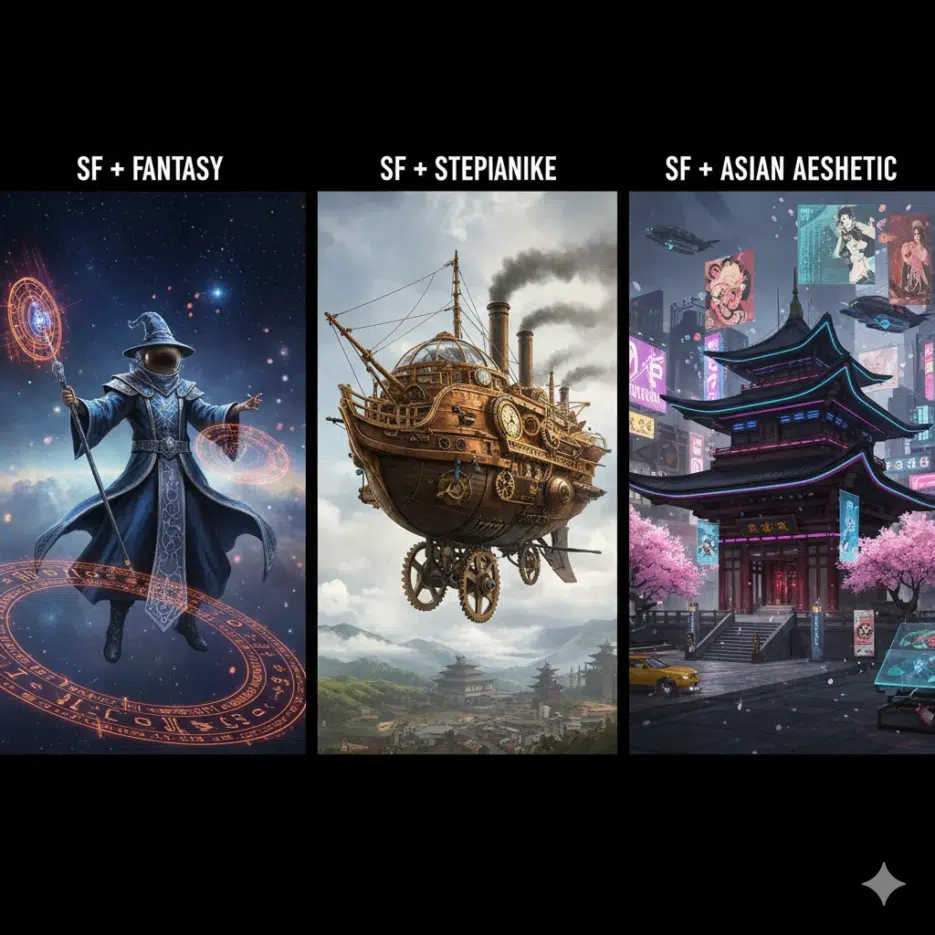
SF + Fantasy
Space wizard casting spell with holographic runes,
futuristic robes with glowing circuit patterns,
floating in zero gravity with magical energy swirling,
stars and nebula background
SF + Steampunk
Victorian-era spaceship with brass and copper details,
steam-powered rockets, ornate mechanical design,
crew in period clothing with high-tech goggles,
approaching ringed planet
SF + Asian Aesthetic
Futuristic temple on floating mountain,
blend of traditional Korean architecture and sci-fi tech,
holographic prayer flags, robot monk meditating,
cherry blossoms and neon lights coexisting
Personally, I like the SF + Asian aesthetic combination the best. It feels both familiar and new. You can create Korean-style SF with keywords like "futuristic hanok."
Setting the Mood with Colors
| Mood | Recommended Color Combinations |
|---|---|
| Cyberpunk | Pink + Blue neon, Purple + Cyan |
| Dystopia | Orange + Gray, Ochre + Black |
| Utopia | White + Sky blue, Bright gold |
| Alien/Mysterious | Purple + Teal, Luminescent green |
| Space | Deep blue + Starlight, Nebula colors |
Color specification example:
color palette of deep purple, cyan, and neon pink
monochromatic blue with orange accents
warm golden tones with cool shadow areas