Honestly, at first I kind of looked down on "felted-style AI art." Cute woolly doll vibes? What's so special about that? But after actually spending about two and a half hours running the needle-felted keyword on Nano Banana, my perspective completely changed. It wasn't just "soft and cute illustrations" — it genuinely felt like an entire world was being created.
The original was written for Midjourney v7, but I tested it on Nano Banana (based on Gemini 2.5 Flash Image). Unlike Midjourney, Nano Banana doesn't have parameters like --chaos or --stylize and works with natural language prompts, so I couldn't use the original prompts as-is. But writing them out in natural language turned out to be more intuitive.
The system breaks down into three main stages, and I was surprised by how systematic it is. Roughly, the flow goes like this:
Creature born from material → Personality injection (humor) → Settling into a being with daily routines
Let me break each one down.
Creatures Born from Nature
Most fantasy creature designs start with something like "slap on some horns and sharpen the teeth." This approach starts with what material the creature came from. Pinecones, acorns, crescent moons, snowflakes... these natural objects themselves become the starting point for the character.
The advantage of this approach is that you don't need to separately explain "why this character exists in this world." If a being born from a pinecone is roasting marshmallows inside a hollow log, it just feels natural. No need to add backstory.
A high-quality wool-felted diorama of a gentle anthropomorphic Pinecone character made of soft wool, roasting a miniature marshmallow over a tiny tealight candle. Sweet face with small black bead eyes. Crisp autumn atmosphere, soft plush texture, fuzzy details, 3D render style, cinematic lighting, inside a cozy hollow log. Vertical 5:6 aspect ratio.
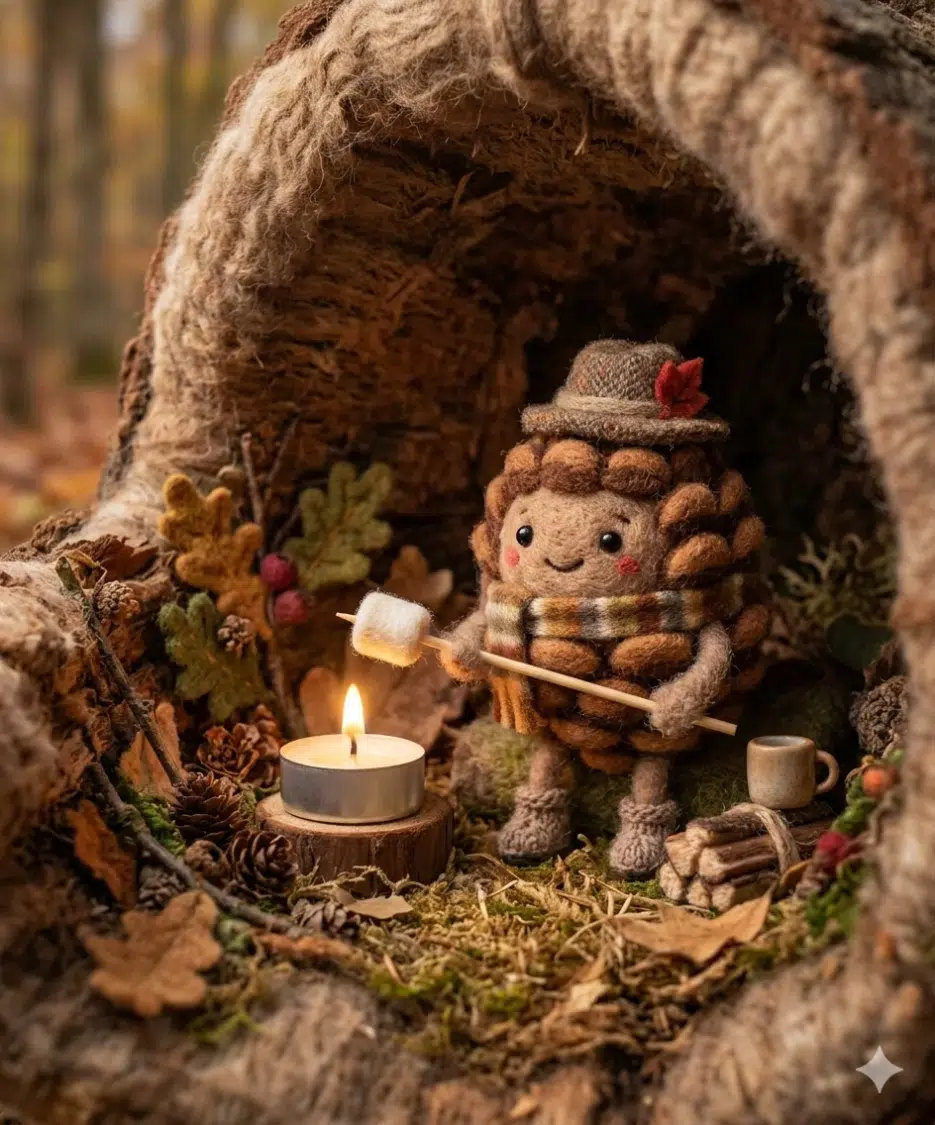
I ran this prompt on Nano Banana and it came out pretty well. However, due to Nano Banana's characteristics, even when you write "3D render style," it sometimes drifts into an illustration feel, so adding realistic handcrafted wool texture helped stabilize the results. Also, the inside a cozy hollow log part is key — without it, the pinecone character ends up floating in empty space.
A high-quality wool-felted diorama of a gentle anthropomorphic Acorn character made of soft wool, rowing a tiny boat made of a dried leaf across a puddle. Golden hour atmosphere, soft plush texture, fuzzy details, 3D render style, cinematic lighting, calm stream bank. Vertical 5:6 aspect ratio.
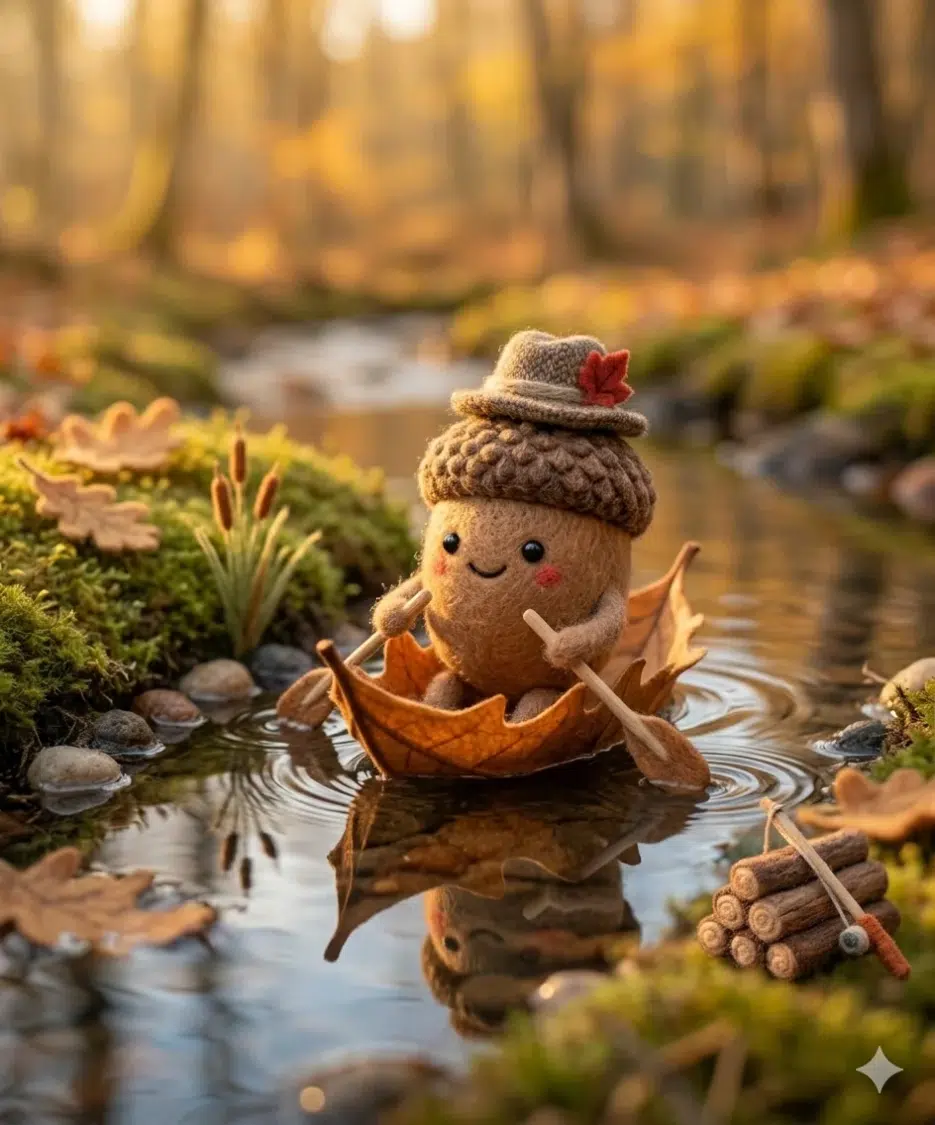
This is an acorn rowing a boat made of dried leaves across a puddle. What's noteworthy here is that "movement has been introduced." The first pinecone was static, but starting from the second one, actions are being attached to the characters. This order matters because if you add too much action from the start, it breaks the cozy atmosphere that's characteristic of felt.
Quick tangent here — since Nano Banana is based on Gemini 2.5 Flash, its text comprehension is actually quite good. Just writing "dried leaf boat" produces an actual boat shaped like a dried leaf. But it tends to over-interpret "golden hour," so results sometimes end up drenched in overly yellow tones. In those cases, adding constraints like "warm but not overly saturated golden light" fixes it.
That said, honestly, this "creatures born from nature" section is a bit underwhelming on its own. It's pretty, but you get that "so what?" feeling. That's why the next stage is necessary —
Giving Legendary Creatures Real-World Problems
This is where it gets really fun.
Strip away the background entirely, place just one character on a studio white background. Then give that character a mundane, slightly embarrassing problem. Why is this effective? Because the formula "recognizable being + trivial human inconvenience = instant emotional connection" works almost 100% of the time.
Studio macro product shot of a handcrafted needle-felted Alien tourist, looking confused at an upside-down map of Earth, holding a tiny vintage camera. Detailed texture with visible neon green and metallic silver wool fibers, fuzzy edges, glass bead eyes. Soft even lighting, sharp focus, isolated on pure white background, no shadow, commercial product photo style. Vertical 5:6 aspect ratio.
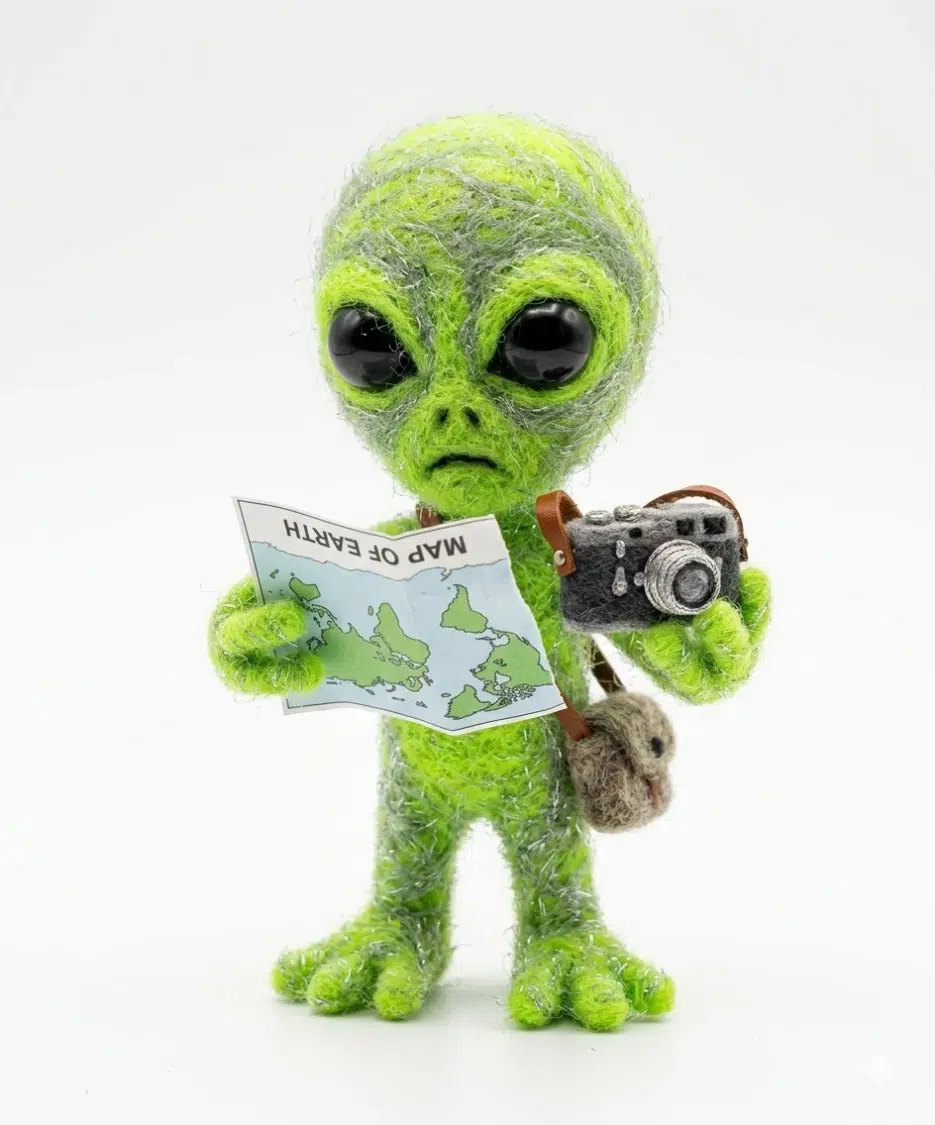
Just the alien holding an Earth map upside down explains the entire character. It takes one second to understand "oh, this guy is here as a tourist." No backstory needed.
This "pure white background + product photography" style works surprisingly well on Nano Banana. Adding isolated on pure white background, no shadow produces quite clean background removal. In Midjourney, commercial die-cut aesthetic was the key keyword, but in Nano Banana, just product photo style gives similar results. In fact, adding too many keywords seemed to confuse it.
Studio macro product shot of a handcrafted needle-felted confused Mermaid sitting awkwardly with her tail on a bicycle seat, holding bicycle handles. Detailed texture with visible aquamarine and lavender wool fibers, fuzzy edges, glass bead eyes. Soft even lighting, sharp focus, isolated on pure white background, no shadow, product photo style. Vertical 5:6 aspect ratio.
A mermaid on a bicycle. She has a tail so obviously it doesn't work, but she sat on it anyway. Why is this funny? Because we've all had the experience of "knowing it won't work but trying anyway."
Personally, my favorite from this section is Sleepy Cthulhu. A cosmic horror entity in pajamas hugging a teddy bear while sleeping. Adding sea green and purple wool fibers to the prompt creates this peculiar cuteness when those heavy Cthulhu colors blend with wool textures. I modified this to make "Cthulhu cooking ramen" and Nano Banana surprisingly understood tentacles being used like chopsticks, so I spent 50 minutes just generating variations. One time, it had 6 tentacles holding 3 pairs of chopsticks, which was hilarious.
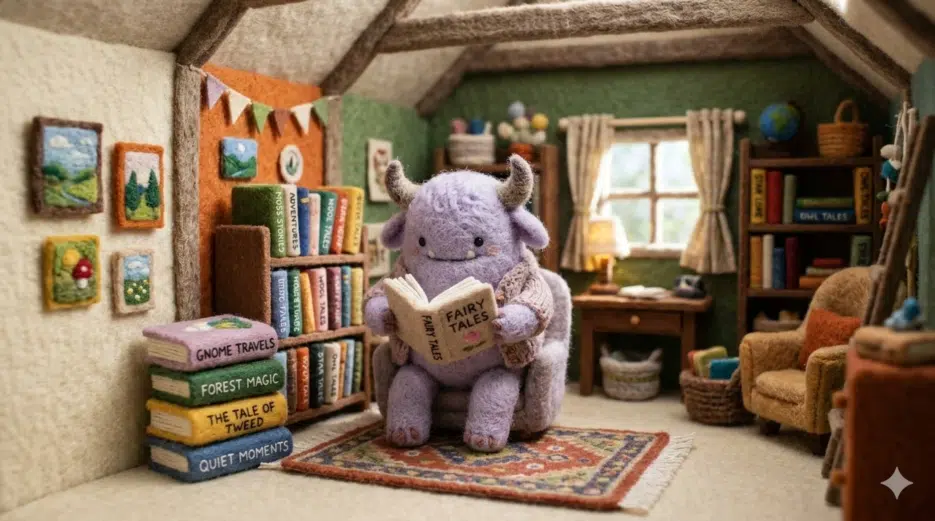
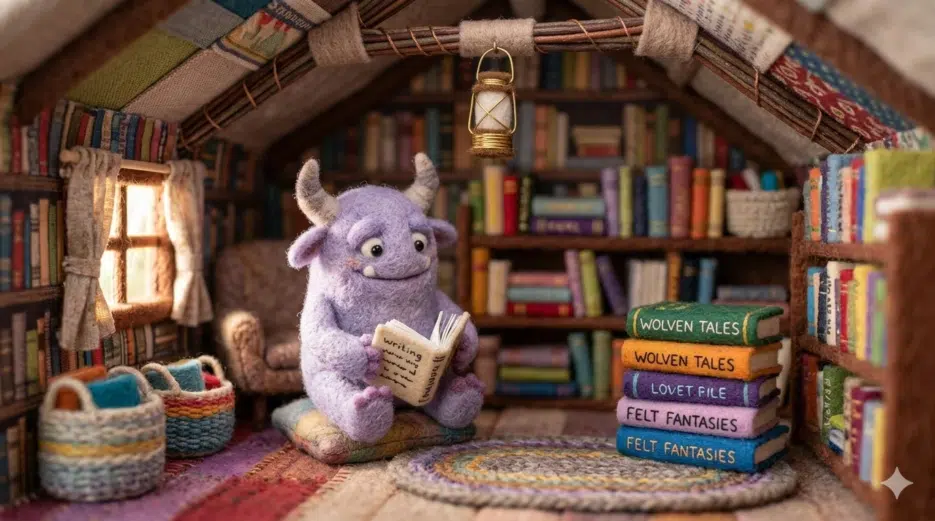
A lavender-horned monster quietly reading a book in a wool attic library. Not hiding — just catching up on reading. This distinction is huge.
Did you notice the prompt structure changes in this third part? Earlier it was studio macro product shot, but here it switches to whimsical narrative scene. And with the addition of tilt-shift lens effect, the miniature diorama feel really comes alive.
One thing to watch out for when running these "narrative scene" prompts on Nano Banana: if you add too much background detail, the character gets buried in the scenery. "Miniature cozy attic library made entirely of fabric and wool" is about the right amount — start describing individual furniture pieces and Nano Banana seems to get confused about what should be the focus. Shorter prompts were more stable.
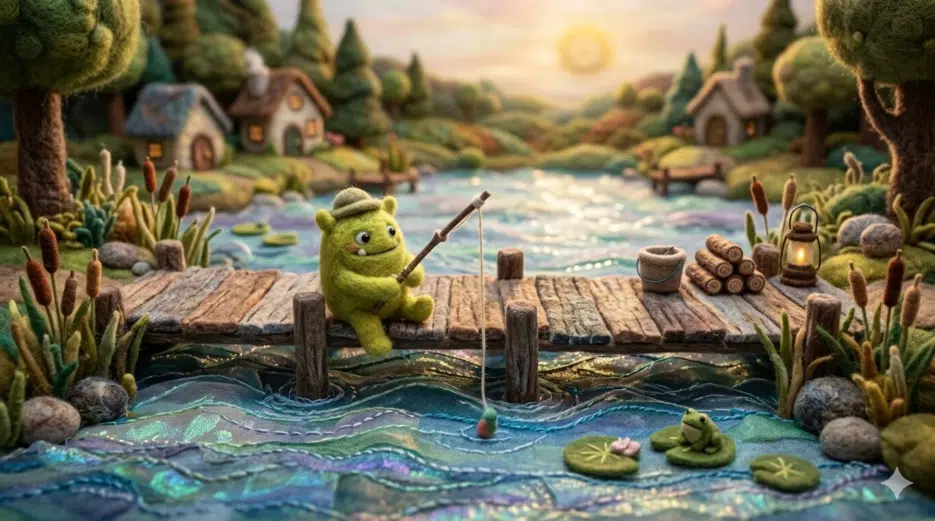
A whimsical narrative scene of a wool 3D needle-felted fuzzy lime green monster fishing from a small pier on a miniature lakeside dock. Shimmering fabric water ripples, tilt-shift lens effect. Soft and cozy atmosphere, vibrant felt textures, intricate handcrafted scenery. Wide 16:9 aspect ratio.
A lime green monster fishing at the lake. No prophecy, no destiny — just a lazy afternoon. "A monster with a schedule is emotionally more lasting than a monster with abilities."
What These Three Systems Create Together
Ultimately, combining these three stages creates a single creature design pipeline.
Material → Personality → Lifestyle
First the creature belongs to a world, then it's recognized as an individual, and finally it becomes someone who lives somewhere. Once you understand this sequence, you can infinitely expand a fantasy ecosystem while maintaining just the felt aesthetic — and that's not an exaggeration, it actually works that way when you try it. I followed this formula to create a 3-piece set on Nano Banana: "creature born from moss → humor scene of failing to fold laundry → running a bakery inside a cave" and a complete character was finished in 25 minutes.
Impressions + Limitations from Testing on Nano Banana
Since the original was written for Midjourney v7, I had to adapt the prompts for Nano Banana. Here's what I noticed:
What works well. Nano Banana's natural language comprehension is good enough that even short prompts like "needle-felted cute pinecone character roasting marshmallow" capture the intent quite well. Unlike Midjourney where you need to combine various parameters, you can just write conversationally, which significantly lowers the barrier to entry. Being able to start with free credits is also a big plus.